 32 sec
Student records
Student details in many registers
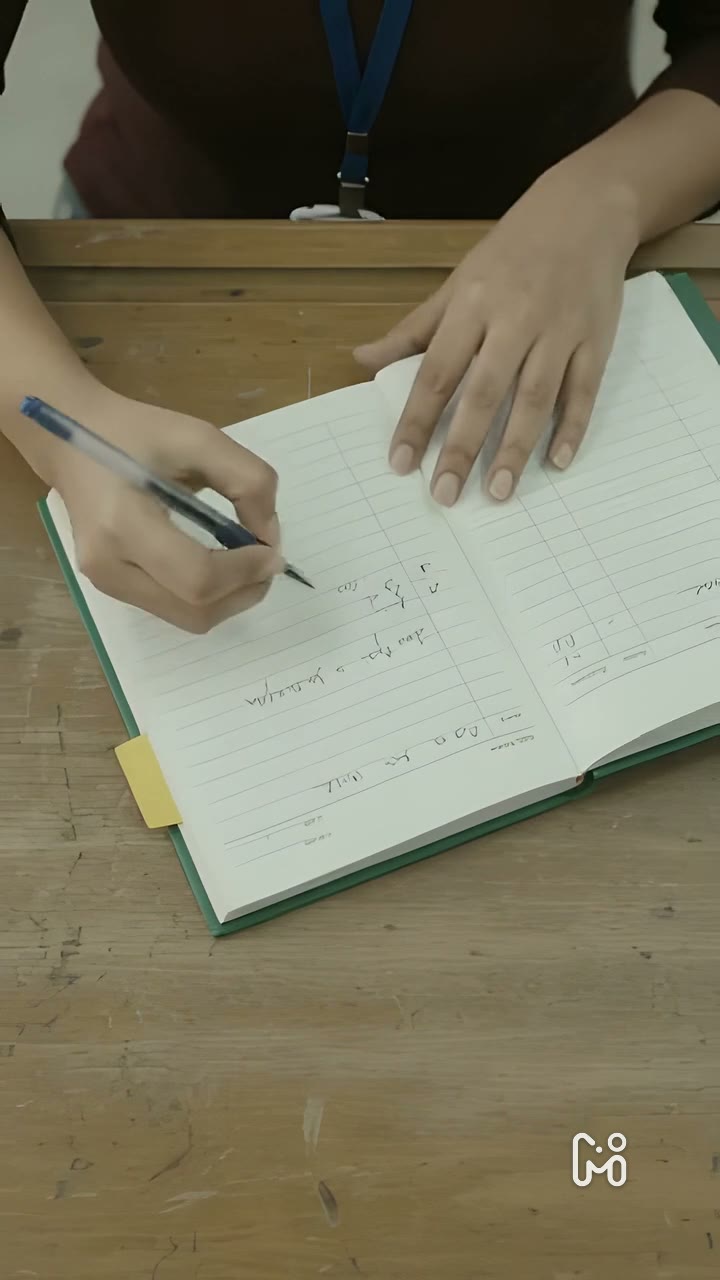
One student's details get written in register after register.
The receipt says the fee is paid, but the fee register has no entry. One missed entry leaves the queue waiting. In ManabiApp, a payment is recorded once and the receipt prints from that same record.
Her receipt says the fee is paid. She kept it carefully. Now the school's own record must say the same, but the fee register has no entry.
The money came in. Somewhere between two papers, the record went missing. On fee day, receipts were written first. The register was copied later by hand at night. One entry was missed. Now the queue waits and nobody can say who is wrong. Two papers, one payment. So which paper is right?
In ManabiApp, a payment is recorded once. The receipt prints from that same record. ManabiApp makes your daily tasks easier.
In ManabiApp, the school office records a payment once. The receipt prints from that same payment record, so there is no separate receipt entry to copy into a fee register.
32 secOne student's details get written in register after register.
 43 sec
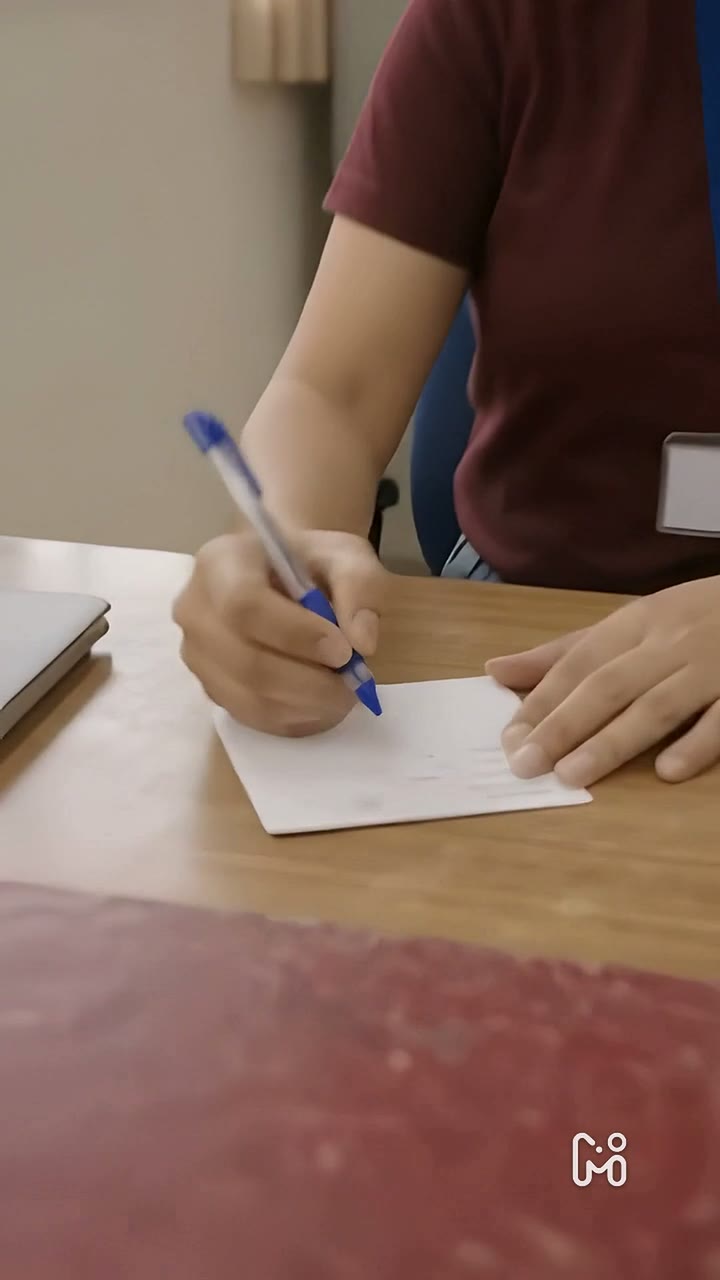
In admission season, an enquiry written on a paper slip can end up under someone's files.