 43 sec
Admissions
Lost admission enquiry slip
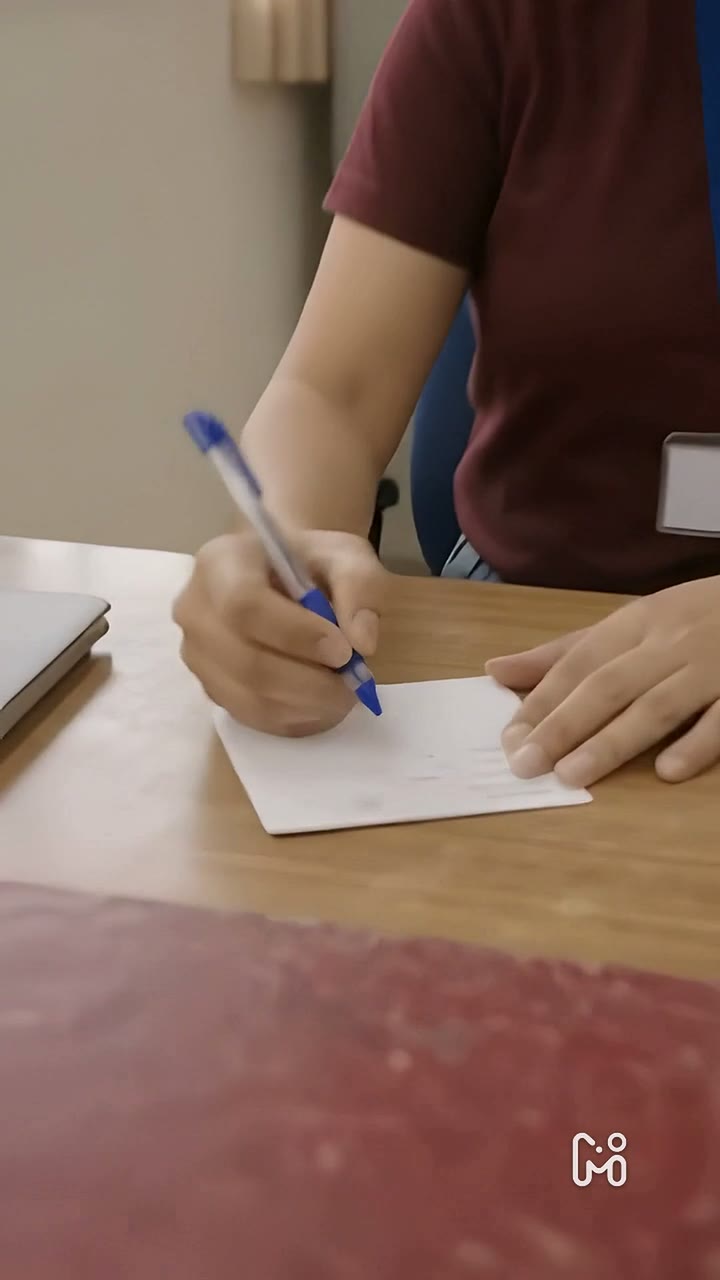
In admission season, an enquiry written on a paper slip can end up under someone's files.
One student's details get written in register after register. A single change means opening each one again, while the next task waits. In ManabiApp, enter student details once.
One student, the same details written again and again. Across registers, a simple update becomes more work while the next task waits.
Once. Enter it once in ManabiApp. No rechecking, no mismatch. ManabiApp makes your daily tasks easier.
ManabiApp keeps student details in one student record. Update that record when details change, instead of writing the same change into several registers.
43 secIn admission season, an enquiry written on a paper slip can end up under someone's files.
 48 sec
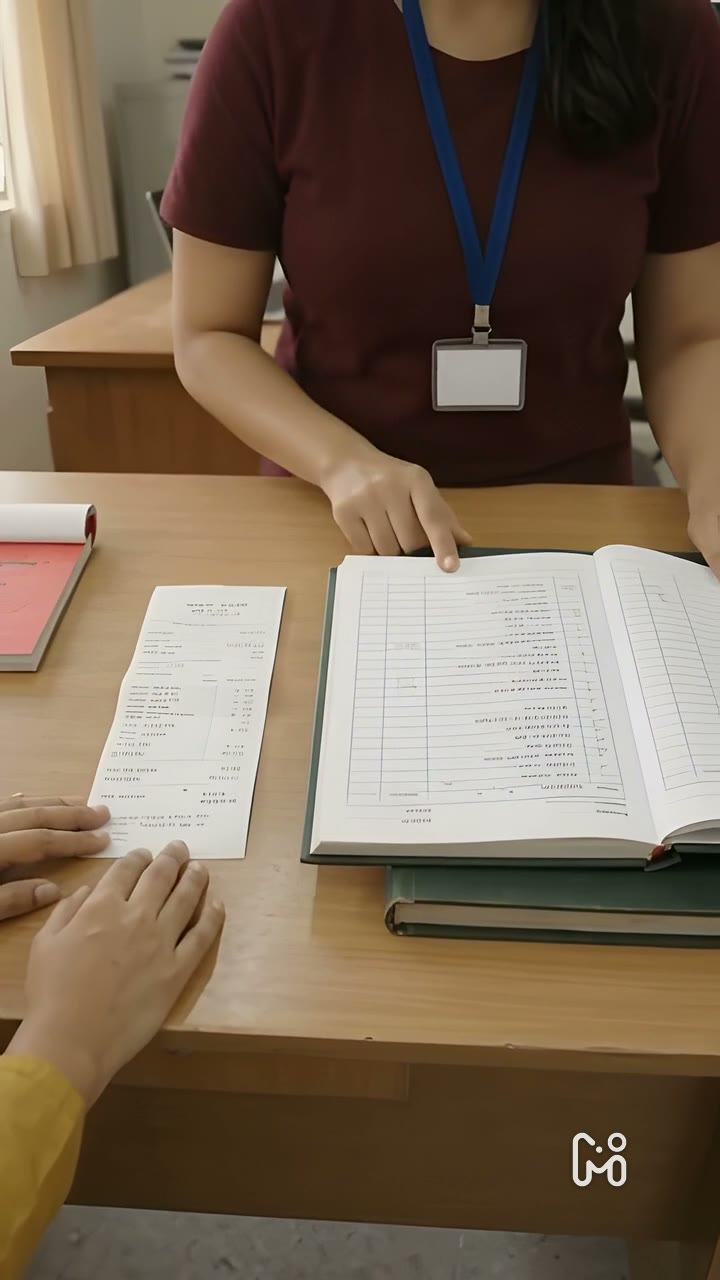
The receipt says the fee is paid, but the fee register has no entry.